
Subscribe to project news via RSS
The KLASTER+ project website provides an RSS (Atom) feed. It allows you to follow project news without visiting the website regularly.
How to subscribe to the RSS feed:
- Install and open an RSS reader of your choice.
- Copy the KLASTER+ feed address.
- Select the option to add a new feed or subscription.
- Paste the feed address and confirm.
If you open the feed link in a web browser, you may see the contents of an XML file. This is normal – the feed is intended for use in an RSS reader.
New posts published in the News section will then appear automatically in your reader.
RSS readers
You can add the feed to:
- Feedly or Inoreader – RSS readers available on the web and mobile devices;
- NetNewsWire – an app for macOS and iOS;
- Mozilla Thunderbird – an email client with RSS support;
- RSS browser extensions;
- other apps that support RSS or Atom feeds.
Example feed view
The example below shows the KLASTER+ news feed in an RSS reader installed on a mobile device.
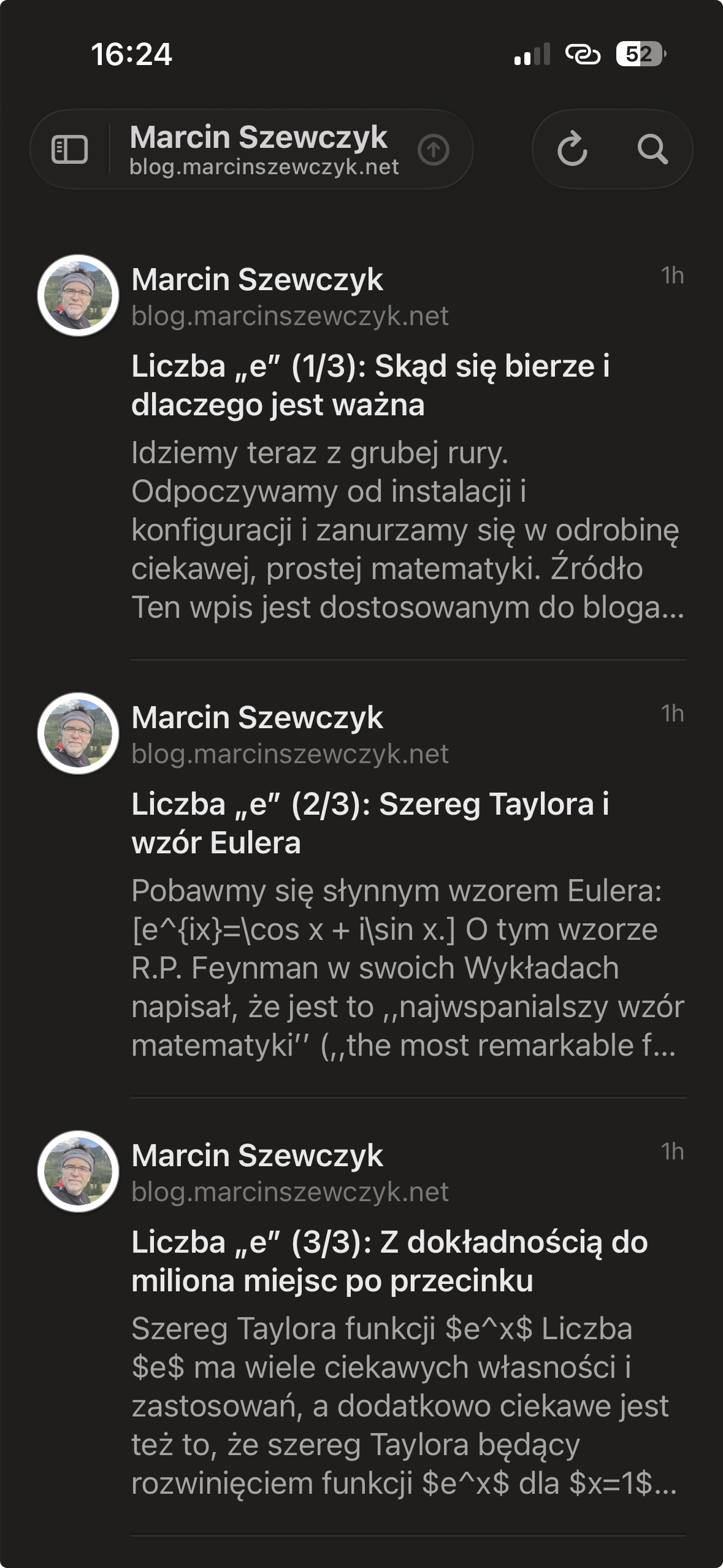 Fig. 1. KLASTER+ RSS feed displayed in a reader on an iPhone.